LUMIBRIGHT
Office and panel lighting
Application inspiration · not a project reference
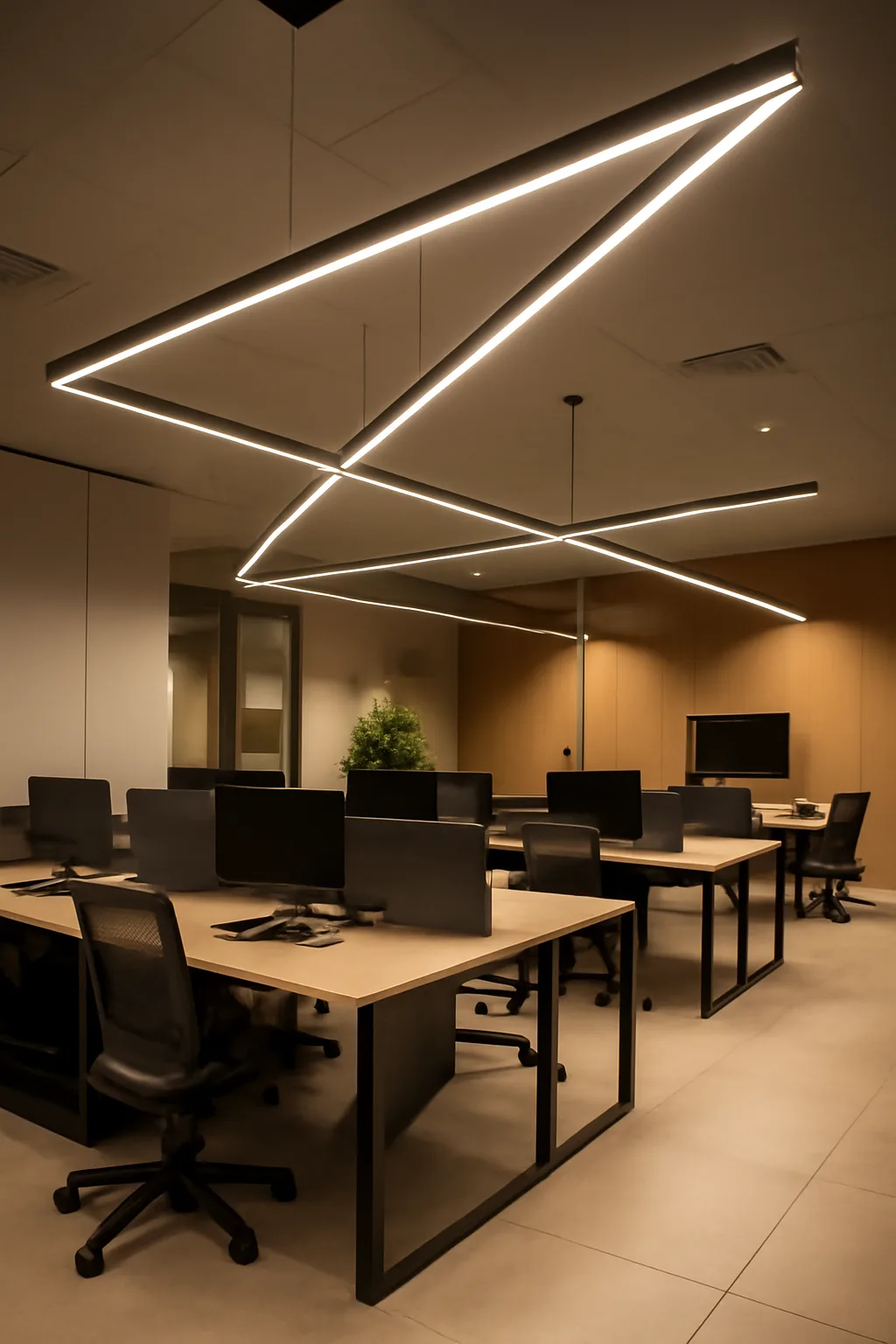
Office lighting should be selected with the room layout, task and daylight conditions. Compare photometric data and calculate glare in the actual space rather than treating a generic UGR label as a universal result. Coordinate controls and mounting with ceiling services. Keep the model and driver combination visible in the technical schedule.
17 families · 91 articles with published specifications
How to compare photometry, room-based glare calculation, mounting and controls
Photometry
Use the model IES/LDT file for the calculation, not a category average.
Room-based glare
UGR depends on the room, the layout and the viewing direction — calculate it for the actual space.
Mounting
Recessed, surface and suspended options must match the ceiling system and its services.
Controls
Coordinate DALI, presence and daylight linking with the room function.
Model and driver
Record the exact pairing in the schedule so site substitutions are visible.
Model specifications and downloads
Where to go next
Project enquiry
Send your reflected ceiling plan, room dimensions or lighting schedule. Include the project location, stage and required date so the team can confirm suitable models and the documentation available.